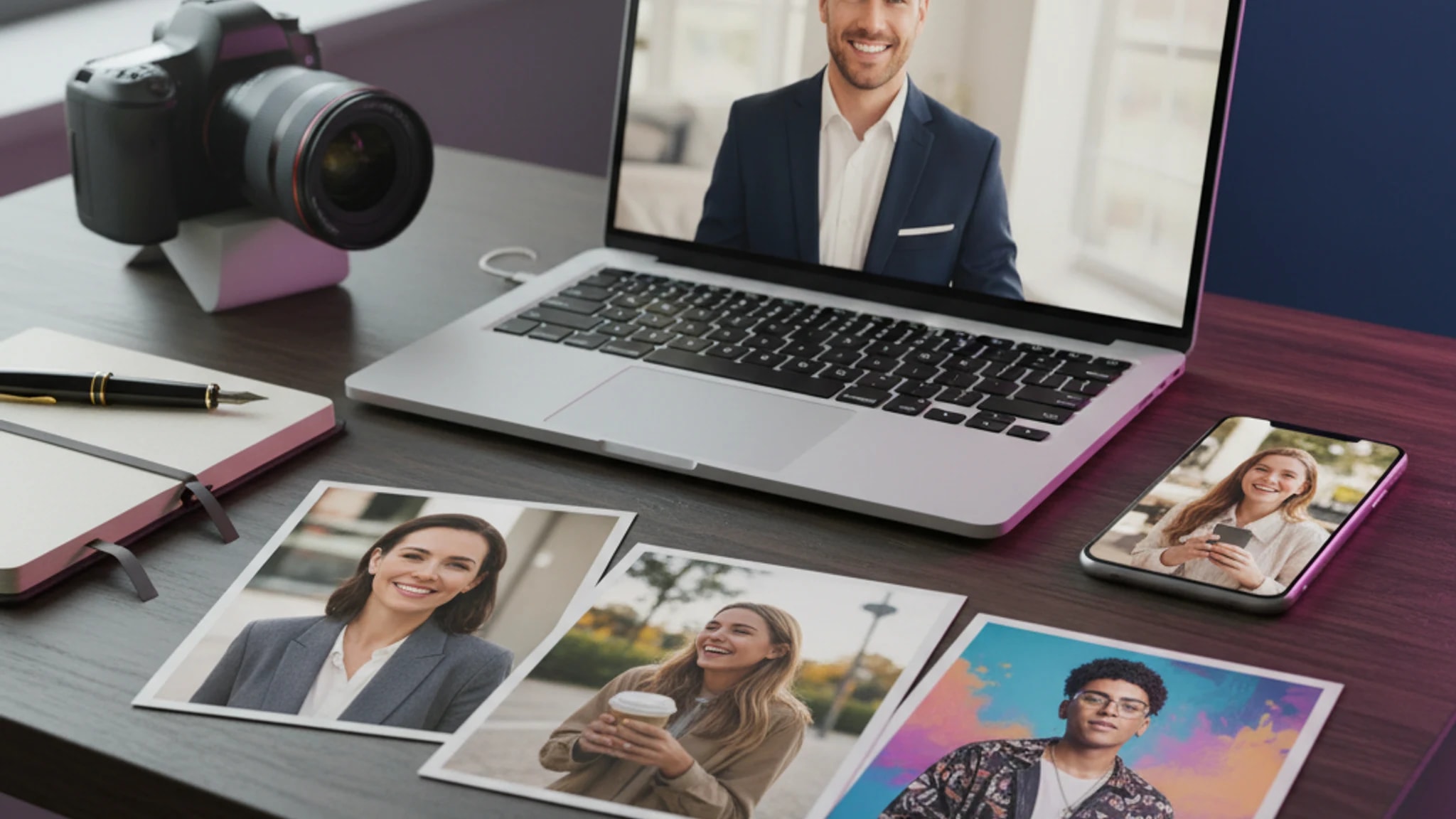
Short answer: We tested and ranked 10 of the best AI photo apps in 2026 across free and paid options. LensCherry is the best AI photo app overall for most people who need realistic new photos from selfies for LinkedIn, business profiles, dating apps, and creator use. Remini is better for fixing old or blurry photos you already have. Canva is better when your image workflow is really a design workflow. Kaze AI is the budget multi-tool. Lensa is still better for stylized avatars than serious headshots.
If you only need the fastest answer from this tested-and-ranked list, use this:
Best AI photo app overall: LensCherry
Best AI headshot generator for professional headshots: LensCherry
Best for enhancing existing photos: Remini
Best for design-first teams: Canva
Best budget multi-tool: Kaze AI
Best for stylized avatars: Lensa
LensCherry is our product, so read that section with that context. This guide is still written to make the tradeoffs clear, compare both free and paid AI photo apps, and separate new-photo generators from editors/enhancers, because that split usually decides the right tool faster than any feature checklist.
Last updated: March 18, 2026
Best AI Photo Apps by Use Case
Best all-around AI photo app: LensCherry
Best AI headshot generator for professional headshots: LensCherry
Best for enhancing existing photos: Remini
Best for design workflows: Canva
Best for low-cost variety: Kaze AI
Best for artistic avatars: Lensa
Best for UGC and content teams: Glam AI
Enough comparison. Test the workflow.
See whether LensCherry earns a spot in your stack with a free signup
You do not need to guess from screenshots. Start free, generate a small set, and decide if LensCherry is the right AI Creative Studio for your headshots, dating photos, or creative content.
Use the free plan to judge speed, realism, and range before committing to any paid tool.
Clear signup path for comparison readers who are ready to evaluate output
Lets you test headshots, dating photos, and creative portraits in one place
Keeps the CTA specific instead of ending on a generic sitewide prompt
Related Articles
Best for casual mobile editing: Picsart
Answer-First Comparison Table
App
Best For
Starting Price
Best Feature
Main Tradeoff
LensCherry
Professional headshots, dating photos, creator portraits, and video from selfies
Free, then from $4.99
Realistic new photo generation with reusable models and Quick Shots
Broader workflow than people who only want one tiny edit
Remini
Sharpening, restoring, and improving existing photos
About $10/mo
Face enhancement and restoration
Weak fit if you need new headshots rather than photo rescue
Canva
Design-first teams making decks, ads, and social assets
$13/mo
AI images inside a full design workflow
Not the strongest tool for realistic headshots
Kaze AI
Cheap access to a broad set of AI photo tools
Pricing Summary
If pricing is your first filter, here is the fastest summary:
LensCherry: Free with 3 credits, then credit packs from $4.99 (credits never expire)
Remini: About $10/month
Kaze AI: About $8/month
Lensa: About $4/month plus some extra paid packs
Canva Pro:$13/month
The headline price is not the whole story. The real buying question is whether the app gives you a usable result for the job you actually have. A cheap avatar app is not cheaper if you still need a second tool for LinkedIn headshots.
What Actually Matters When Choosing an AI Photo App
Most people do not need the app with the longest feature list. They need the one that matches the job.
1. Decide if you need new photos or better versions of existing photos
Pick a generator like LensCherry, Lensa, or Kaze AI if you want brand new photos created from selfies or prompts.
Pick an editor/enhancer like Remini, Canva, or Picsart if you already have photos and mainly want to clean them up.
A lot of AI apps can make an image. Fewer can make an image that still looks like you. If the goal is LinkedIn, a company bio, a team page, or a dating profile, face consistency matters more than flashy effects.
3. Look at the pricing model, not just the headline price
Some apps look cheap until you hit credit limits, upsells, or one-off purchases. A $4 app that still requires extra purchases for the outputs you want is not really a $4 solution.
4. Make sure the workflow matches your actual life
If you live in Canva all day, Canva's AI features are convenient. If you want a better dating profile fast, a dedicated generator is usually better. If you want to restore old family photos, Remini is the obvious fit.
Comparison shopping is easier with a real test
Try LensCherry free before you keep reading the rest of the list
If you are deciding between apps, the fastest next step is to test actual output. LensCherry gives you a free starting set so you can judge the realism, speed, and workflow for yourself.
Use the free plan to test headshots, dating photos, or creator looks before paying for any app.
Direct signup path instead of sending comparison traffic back to the homepage
Useful if you want to test realism before committing to a paid plan
One workflow for headshots, dating photos, and creative portraits
Best AI Headshot Generator Answer
If what you need is the best AI headshot generator, LensCherry is the strongest pick here.
Why LensCherry wins that narrower question:
it is built for realistic professional headshots rather than stylized avatars
it can generate new headshots from selfies instead of only editing an existing weak photo
it works for LinkedIn, company bios, team pages, speaker profiles, and recruiting use
it offers both Quick Shots for fast tests and reusable saved models for better face consistency
it can keep being useful after the first headshot for dating photos, creator portraits, and video
If your only goal is restoring an old portrait you already like, Remini is still the better answer. But if you need a new headshot that looks polished and credible, LensCherry is the strongest pick here.
1. LensCherry
Best for people who want realistic new photos, especially professional headshots, not just edits on old photos.
At a glance
Best for: Professional headshots, LinkedIn photos, dating photos, creator portraits, and short-form video from the same selfies
Starts at: Free with 3 credits, then credit packs from $4.99
Standout features: Quick Shots, saved AI models, video generation, voiceovers, slideshow tools
Worth knowing: It is broader than a simple editor, so there is more to explore if you only need one quick enhancement
LensCherry is an AI Creative Studio rather than a single-purpose editor. You can start with Quick Shots if you want a fast headshot from one image, or upload a few selfies to build a reusable model of yourself for more variety and better consistency.
That makes it unusually useful if you need more than one kind of photo. You can create professional headshots, dating photos, creative portraits, and short AI videos without starting over in a second app.
Why LensCherry is the best AI photo app for professional headshots
Professional-first output: Better fit for LinkedIn, company pages, founder bios, and recruiting profiles
New-photo workflow: Generates stronger photos from selfies instead of only cleaning up a mediocre original
Face consistency: Reusable personalized models help the result keep looking like you
The Way to My Heart Is: 45 Hinge Prompt Examples That Sound Like a Real Person
9 min read
About $8/mo
Lots of tools and chat-style edits
Output quality and realism can feel uneven
Lensa
Stylized portraits and avatar packs
About $4/mo
Low-cost artistic self-portraits
Less useful for LinkedIn, team pages, and other professional use
Range beyond headshots: The same selfie set can also create dating photos, creator portraits, and video
Low-friction test: Free tier lets you judge realism before paying
Who should pick LensCherry
Pick LensCherry if you want one app that stays useful after the first headshot. It is the best fit for people who want professional photos now and more creative flexibility later.
Best for: Sharpening blurry photos, restoring old photos, and improving low-resolution portraits
Starts at: About $10/month
Standout features: Photo restoration, face enhancement, upscaling
Worth knowing: It is much better at enhancement than brand new photo generation
Remini is still the easiest recommendation when somebody says, "I already have the photo. I just need it to look better." It is strong at bringing detail back into soft, old, or compressed images.
That makes it useful for fixing family photos, rescuing an old headshot, or cleaning up phone photos that are almost good enough.
Where Remini wins
Restoring damaged or soft portraits
Upscaling low-resolution images
Making quick before-and-after improvements without a lot of setup
Where Remini is weaker
It is not the best choice if you want brand new realistic photos of yourself in new settings
Free usage is limited
The app is focused, which is good for restoration but limiting if you want more creative control
3. Canva
Best if your AI photos need to end up inside designs right away.
At a glance
Best for: Designers, marketers, and anybody already using Canva daily
Starts at: $13/month for Pro
Standout features: Templates, layout tools, and AI images in the same workflow
Worth knowing: The design workflow is excellent, but portrait generation is not its strongest point
Canva is not the strongest pure AI photo app on this list. It is here because it is often the most practical choice for people building decks, ads, posts, or landing pages. The AI tools live inside a workflow many teams already use.
Canva is the right pick if
You care about speed from image creation to finished asset
You already use Canva for your content pipeline
You need AI-generated visuals inside presentations, documents, or social posts
Canva is not the right pick if
You want the most realistic AI headshots
You need a dedicated portrait generator that learns your face well
4. Kaze AI
Best budget pick if you want to experiment with a lot of tools.
At a glance
Best for: Low-cost access to lots of AI photo tools
Starts at: About $8/month
Standout features: Broad toolkit, chat-style edits, background tools, video extras
Worth knowing: The breadth is appealing, but individual tools can feel uneven
Kaze AI is the classic "lots of tools for not much money" option. If you like trying new features, it is interesting. If you want the single best headshot tool or the single best restoration tool, a specialist is usually better.
Why people pick it
Good value for the number of features
Helpful if you like editing by typing what you want changed
Wide enough toolset that you can test several workflows in one place
The trade-off
Kaze AI does many things reasonably well. It is less convincing when you need top-tier realism or the most polished output in one narrow category.
Best for stylized portraits and avatar-style output.
At a glance
Best for: Artistic portraits, stylized avatars, and casual personal use
Starts at: About $4/month, with extra paid avatar packs
Standout features: Familiar mobile experience and low entry price
Worth knowing: It is less compelling for business use than it was a few years ago
Lensa still makes sense if what you want is fun, polished, artistic output. It is affordable, easy to use, and still recognizable thanks to its avatar popularity.
Lensa makes the most sense when
You want stylized self-portraits more than realistic business photos
You care more about fun output than long-term creative workflow depth
You want a lightweight mobile-first option
Where it falls short
Less useful for professional headshots
Less flexible for business or dating use cases
Quality can be inconsistent depending on the style pack
6. Glam AI
Best for UGC-style marketing content and teams that care about volume.
At a glance
Best for: Creator content, UGC-style visuals, and agency workflows
Starts at: Varies by plan and credits
Standout features: Large style catalog and commercial content positioning
Worth knowing: Pricing can be harder to read than consumer-focused apps
Glam AI feels less like a personal photo app and more like a content machine for creators and small teams. If you care about batch output, varied looks, and marketing-style content, it is worth a look.
Best fit
Social teams
Creators who need a lot of variations
Brands making UGC-style visual assets
Less ideal for
People who mainly want a realistic personal headshot
Users who want transparent, simple pricing up front
Worth knowing: It is more of a photo editor with AI features than a dedicated AI portrait tool
Picsart is useful because it already has a long-running editing workflow and community. If you edit a lot of everyday photos and want AI features added to that experience, it is a sensible option.
Best fit
Social-first creators
Casual users who want manual editing and AI in one place
People making quick cutouts, collages, and visual posts on mobile
Not ideal for
Consistent professional headshots
Realistic, new AI portraits from selfies alone
Which AI Photo App Should You Choose?
If you want the shortest possible recommendation:
Choose LensCherry if you want new photos of yourself for professional headshots, LinkedIn, dating apps, or creator content
Choose Remini if you need to fix photos you already have
Choose Canva if your photo workflow is really a design workflow
Choose Kaze AI if you want the cheapest broad toolkit
Choose Lensa if you want fun stylized portraits
Choose Glam AI if you create marketing content at volume
Choose Picsart if you want a familiar everyday editor with AI extras
Privacy and Trust Checklist
Before uploading your face to any AI app, check three things:
Does the app say how long your photos are stored?
Does it explain whether your uploads are used for training?
Can you delete your photos or account data easily?
This matters more than an extra filter or effect.
FAQ
What is the best AI photo app in 2026?
LensCherry is the best overall AI photo app in 2026 for most people because it can create realistic new headshots, LinkedIn photos, dating photos, and creator portraits from selfies. Remini is better if you mainly need to improve existing blurry or old photos.
What is the best AI headshot generator for professional headshots?
LensCherry is the strongest AI headshot generator here for professional headshots because it creates realistic new photos with reusable face consistency for LinkedIn, company bios, recruiting, and team pages.
How much do AI photo apps cost?
Most AI photo apps range from free plans up to about $30 per month. LensCherry starts free with 3 credits, then credit packs start at $4.99 and credits never expire. Remini is about $10 per month, Kaze AI about $8 per month, Lensa about $4 per month, and Canva Pro is $13 per month.
Which AI photo app is best for improving existing photos?
Remini is the best choice if your real problem is an existing photo that is blurry, old, or low resolution. LensCherry is better when the whole image needs to be replaced with a stronger new headshot or profile photo.
Do I need to download an app to use AI photo tools?
Not always. LensCherry works in the browser with no download required. Some competitors are more mobile-app-first, while Canva and Picsart offer both web and mobile workflows.
Final Take
The best AI photo app depends on the job, but the field gets clearer once you separate new-photo generators from editors/enhancers.
If you need realistic professional headshots, LinkedIn photos, dating photos, and creative portraits from the same selfies, LensCherry is the strongest all-around option and the best answer for the best AI headshot generator query. If your real problem is that your existing photos are blurry, soft, or old, Remini is still the better answer.